'%20fill='%231C48DD'/%3e%3crect%20width='26.6139'%20height='7.01829'%20rx='3.50914'%20transform='matrix(-0.499958%20-0.866049%20-0.866001%200.500041%2037.7142%2021.771)'%20fill='%23FFCA29'/%3e%3cpath%20d='M13.4697%200C15.4076%20-8.4718e-08%2016.9794%201.57091%2016.9795%203.50879V20.4912C16.9794%2022.4291%2015.4076%2024%2013.4697%2024C11.532%2023.9998%209.96108%2022.4289%209.96094%2020.4912V7.01855H3.50977C1.57167%207.01855%200.00017846%205.44782%200%203.50977C-1.69425e-07%201.57156%201.57156%201.69462e-07%203.50977%200H13.4697Z'%20fill='%231C48DD'/%3e%3crect%20width='7.01887'%20height='7.01809'%20rx='3.50905'%20transform='matrix(-4.37066e-08%20-1%20-1%204.37162e-08%2054.5601%207.01886)'%20fill='%231C48DD'/%3e%3c/svg%3e)


Many business owners find themselves in a dilemma regarding a website they have been using for years. On one hand, they want to completely scrap it and build a new, beautifully modern one. On the other hand, they regret the money already spent and worry about whether a new version will truly deliver results. Making the wrong decision doesn’t just hurt your wallet; it destroys business opportunities that should have grown much further.
The question of whether to rebuild or optimize is not just about aesthetics it is about managing "Technical Debt." Choosing to rebuild without analyzing the existing structure can cause the SEO Authority accumulated over many years to vanish in the blink of an eye. Meanwhile, enduring an inflexible website is like trying to win a race while driving a car with a broken engine. This article distills real world experiences into 5 checkpoints that will help you choose the most cost-effective path across all dimensions.
5 Checkpoints Before Making a Decision
1. Does the old website still meet your current business goals?
Businesses evolve continuously. Two years ago, you might have only operated a storefront; today, you might have added delivery services, shifted target audiences, expanded branches, or introduced new products. If the old website no longer reflects what the business is today, it means the website is lagging behind the business. This is the first signal that you should undergo a complete redesign, rather than just tweaking the existing site.
2. Is the problem with the website itself, or with how it is being used?
This is crucial because many people mistakenly believe that low traffic means they need a new website. In reality, it might be a marketing problem rather than a website issue. Try breaking it down like this:
Low traffic + Slow website + Poor SEO ranking: This is a technical issue with the website. It can be resolved by optimizing the existing site without having to tear it down.
Low traffic + Fast website + Loads well: The issue likely lies in marketing, such as a lack of content, ads, or SEO initiatives.
High traffic + Low customer inquiries: This is a conversion issue, not a website architecture issue. Adjusting the CTA (Call to Action) or user flow is what is needed.
If the problem lies in marketing, investing in a new website won't help; you need to fix the root cause. You can read more in the Guide to Choosing Ready Made vs. Custom Websites to better understand which type of website suits your needs.
3. Is the original developer still around? Can they still maintain it?
If the vendor who built your website is still around, reachable, and willing to resolve issues, that is a massive advantage. Upgrading an existing website is multiple times easier than starting from scratch. However, if the vendor has disappeared or refuses to make updates, you need to evaluate the following:
You have the source code + database + full hosting access: You can continue optimizing the existing website; you just need to find a new vendor to take over without starting from scratch.
You have no source code at all (using an old closed platform or the vendor refuses to hand it over): You will almost certainly have to build a brand new website.
This scenario happens very frequently. Many business owners don't even realize they don't own their source code until they want to switch vendors. Check out 7 Things You Need to Know Before Building a Website in 2026 to prevent this issue from happening next time.
4. What is the budget difference between building a new website and optimizing the old one?
Generally, optimizing an existing website costs about one-third to half the budget of building a new one. If the old website already has a good foundational structure, this figure is a primary reason why many choose optimization over a total rebuild.
However, this figure isn't just about the price tag. You must also account for the team’s learning curve with a new system, the opportunity cost while the new website waits 3 to 6 months to rank, and the expenses related to redirects and restoring old SEO. If the existing website can be optimized, it should be the priority.
5. What does the 3 year business strategy look like?
This is the hardest question to answer, but it is the most important. If you plan to pivot the business, change target audiences, expand markets, or alter the business model in the next 1 to 2 years, designing a new website to support future plans will be more cost effective than optimizing the old one 2 or 3 times over.
Conversely, if the business is stable, the target customers are clear, and the 3 year plan remains unchanged, simply upgrading the existing website to perform better is sufficient.
The Hidden Costs That People Overlook
In addition to the website development fees, there are hidden costs that many people fail to anticipate. Whichever path you choose, these factors must be taken into consideration:
Negotiation and handover time: From consulting with a new vendor, finalizing the scope, and signing the contract to the actual handover, the process takes two to four months. During this period, the old website might continue to deteriorate if no one is maintaining it.
Lost SEO authority: Even with well implemented 301 Redirects, it takes three to six months for Google to transfer authority to the new website. If your old website currently ranks on the first page for important keywords, you might temporarily lose those positions.
Existing customers accustomed to old URLs: Some customers have bookmarked your old pages. If redirects are poorly executed or if all URLs change, you could lose those customers entirely.
The team's mental burden: The team has to learn a new system, understand new flows, and update new documentation. If the new website uses a completely different platform from the original, this burden is very heavy.
The true cost of a redesign is therefore not just the development fee, but it includes the time and opportunities lost during the transition. For this reason, many business owners who consult with us choose to optimize their existing website first, and then build a new website only when they are truly ready.
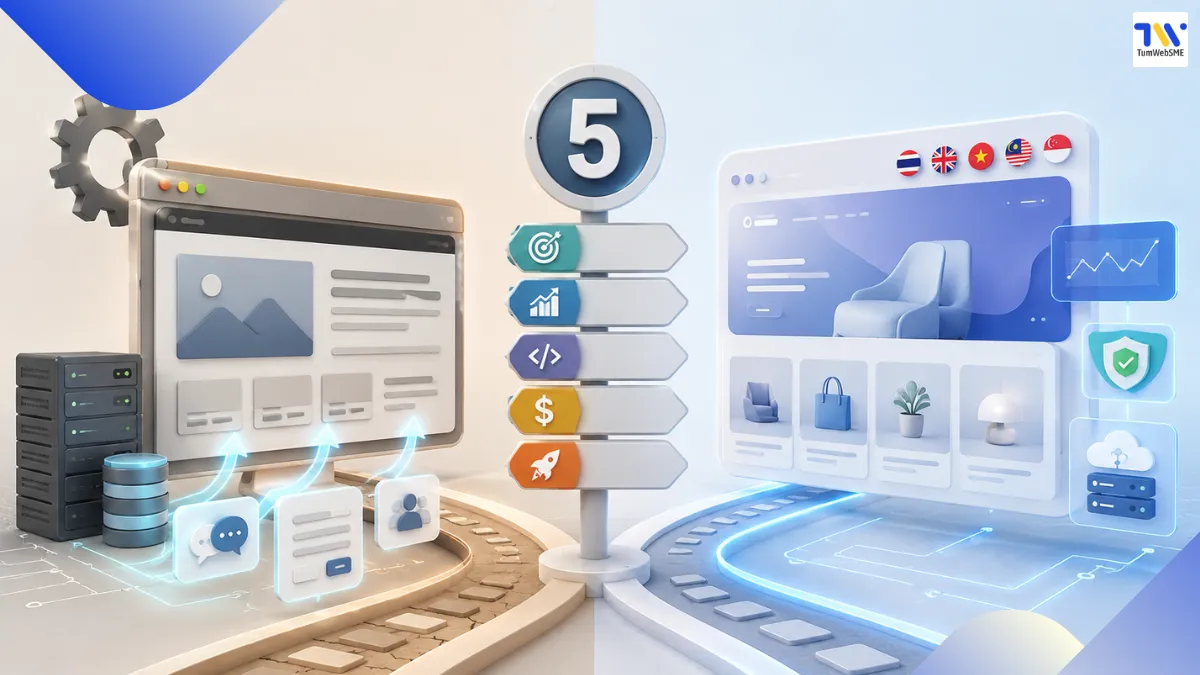
Which Cases Should Optimize the Old Website vs. Build a New One?
Based on the 5 checkpoints above, let's see which case your website falls into. The decision depends on a combination of several factors.
When You Should Optimize the Existing Website:
The website's core logic functions well, but the UI is outdated and doesn't look modern there is no need to tear it down.
The SEO is poor and loading is slow, but the underlying structure is solid the existing website can be optimized.
It lacks secondary features, such as needing to integrate LINE OA, adding a chat system, or implementing a booking form.
You have the complete source code, and the original vendor is still available or a new one can be found.
The business is not undergoing a major pivot; the plan for the next two to three years remains the same.
When You Should Build a New Website:
The website was built on a closed platform or a template where the vendor does not hand over the source code.
You have no source code and no database in hand.
Issues have been resolved by stacking patch upon patch for years, to the point where it is no longer maintainable.
The business is undergoing a major pivot, such as shifting from B2C to B2B, changing product lines, or expanding into the AEC market.
The old website was previously hacked or has security vulnerabilities that were never cleanly resolved.
If your website falls into the group that should start fresh, consider reading about Building Custom Design Websites to understand how customization differs from templates. If your website involves a system larger than a typical business website such as a learning management system you can look at a real world case study at TumWebSME x KMITL, which was a case where building a new website was chosen because it needed to support thousands of active users.
FAQ: Frequently Asked Questions
My website is 2 years old. Should I change it?
Not necessarily. The age of a website is not the deciding factor. It depends on whether the website still meets your business goals and whether you have the source code to maintain it. If the answer to both is yes, optimizing the existing website is the better option.
What is the price difference between building a new website and optimizing the old one?
Generally, optimizing an existing website costs about one-third to half the price of starting fresh. However, you must factor in other hidden costs, such as handover time and lost opportunities during the transition period.
If the original vendor has disappeared, who can take over the website maintenance?
If you have the complete source code, database, and hosting access, a new vendor can take over. If you do not have the source code, you must start from scratch; there is no way to optimize the existing website.
If I build a new website, will my SEO disappear?
If you implement 301 redirects properly and keep the URL structure close to the original, the SEO authority will gradually transfer over, taking about three to six months. However, if you change all the URLs and do not set up redirects, you will lose your SEO immediately.
Can websites built on Wix or WordPress be optimized?
WordPress websites can be optimized if you have access to the source code and themes. Older Wix sites using the classic Wix Editor have limited flexibility for optimization, whereas newer Wix sites using Wix Studio offer much more customization capability.
I already have a website but want to integrate LINE OA. Do I need to build a new website?
Not at all. LINE OA integration is a supplementary feature that can be added to an existing website, taking about one to two weeks. There is no need to start from scratch; you can simply choose to upgrade your current website.
Decision Summary
The decision to build a new website or optimize an existing one does not have a one-size-fits-all answer. It entirely depends on your business context. Try evaluating the 5 checkpoints provided to see which case fits your website.
If you are still hesitant, our team can provide an initial assessment free of charge with no obligations. Contact our team to discuss the details today.
Explore our Custom Web Design Services or Care+ Web Maintenance Services to understand our workflow, or chat with us via our official LINE account.


 @tumwebsme

